
October 27, 2025
Just like you wouldn't drive without buckling your seatbelt or leave your office door unlocked overnight, going online without multifactor authentication (MFA) is a risky move you can avoid.
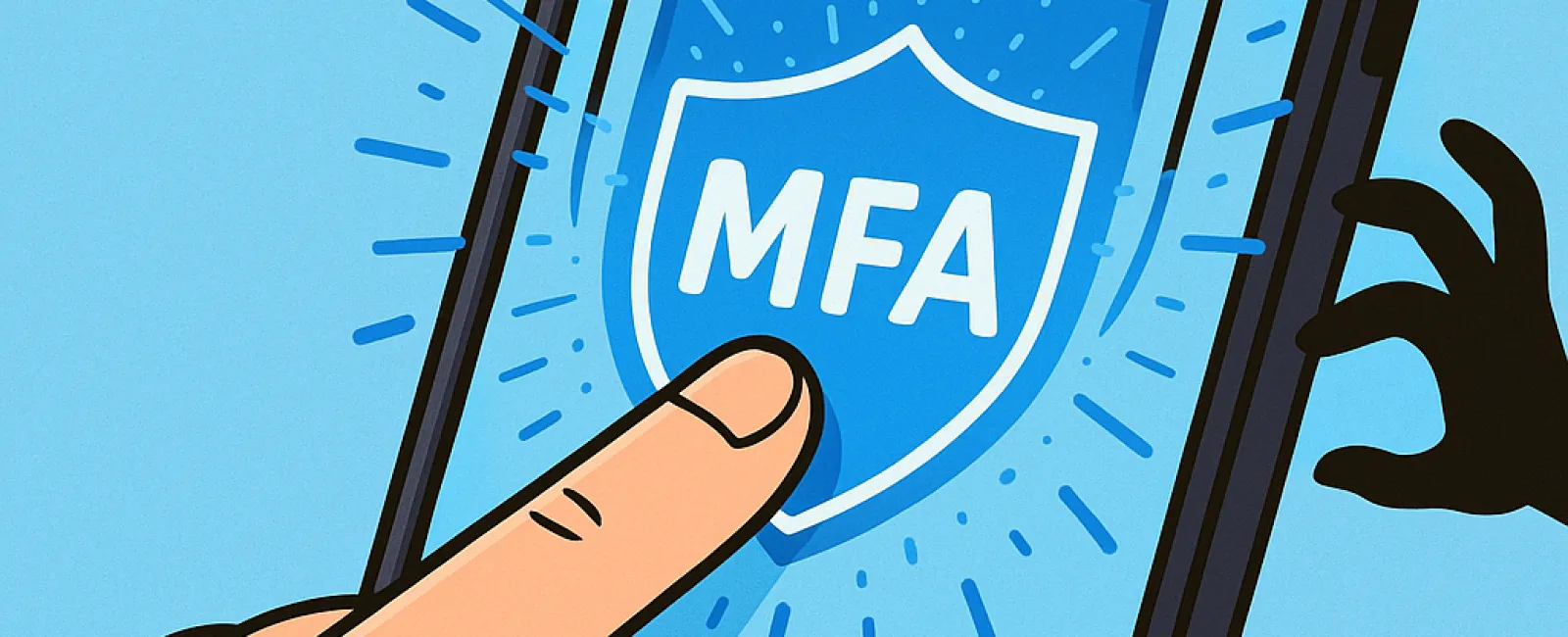
MFA acts as an essential second barrier for your digital security. Instead of depending solely on passwords—which can easily be stolen, guessed, or phished—it requires an additional verification step like a text message code, an authentication app, or a fingerprint scan. This means even if a hacker obtains your password, without that extra step, they hit a dead end.
One Simple Step Can Transform Your Security
If your password is like locking your front door at night, then MFA is the equivalent of activating your entire security system before heading to bed. It's an easy extra measure that ensures you stay protected even if one layer fails.
MFA provides a quick, additional step to verify it's truly you logging in. Though known by various names such as "two-step verification," "two-factor authentication," or "one-time password," they all mean the same: a double layer of identity confirmation before granting access to sensitive information.
Types of MFA include confirmation emails when creating accounts, bank security questions, text codes, push notifications, and automated phone calls. Most are designed to be user-friendly—a one-tap process that keeps your data safe.
How MFA Proactively Protects You
From your perspective, MFA is quick and straightforward—just input a code or tap a notification. But for hackers, it's an obstacle they can't easily bypass. If someone tries to access your account without permission, MFA immediately alerts you with a prompt or code request, giving you time to reset your password and prevent data theft.
Moreover, MFA prevents unauthorized users from exploiting stolen passwords. Even if a cybercriminal convinces an employee to share login details, they won't get past that essential second step. In fact, Microsoft research shows enabling MFA cuts the risk of account breaches by over 99.2%, and even up to 99.99% for accounts with MFA activated.
Key Areas to Implement MFA and How to Get Started
Prioritize enabling MFA on these critical platforms:
- Banking and financial apps
- Email and cloud storage services
- Social media accounts
- Work systems handling client or proprietary data
Activating MFA is typically straightforward, with many major platforms offering native MFA options. Choose the verification method that suits your workflow best. Introducing an authenticator app can significantly boost security for employee logins.
In essence, MFA is a fast, cost-free way to prevent the majority of account hacks. Investing a few moments now to enable MFA can save you from extensive data loss and costly damage control later.
The smoothest way to set up MFA is by reaching out to your IT provider. A skilled managed service provider (MSP) can simplify the process. If you need expert cybersecurity help, click here or call us at 905-947-1636 to schedule a 15-Minute Discovery Call with our team today.