
December 08, 2025
Imagine being halfway through a five-hour drive to visit loved ones for the holidays, and your daughter asks if she can play Roblox on your work laptop—the very device housing sensitive client files, financial details, and full access to your business. You're worn out from packing, still have a long drive ahead, and the idea of keeping her entertained feels tempting. But what risks are you inviting?
Holiday travel introduces unique cybersecurity risks absent from your daily routine. Fatigue, distractions, connecting to untrusted networks, and blending family time with quick work check-ins all create vulnerabilities. Whether your trip is for business, pleasure, or a mix, here are essential strategies to safeguard your data while keeping the holiday spirit alive.
15 Minutes to Secure Your Devices Before Departure
Spend just 15 minutes before leaving to fortify your tech setup:
Essential Device Steps:
- Update all software and security patches immediately
- Back up critical files to a reliable cloud service
- Set devices to auto-lock within 2 minutes of inactivity
- Enable "Find My Device" on all laptops and phones
- Fully charge your portable power bank
- Always bring your own chargers and adapters
Set Family Device Expectations:
- Clearly communicate which devices kids are allowed to use
- Prepare a dedicated family iPad or secondary device for entertainment
- Consider creating a restricted user account on your laptop if sharing is necessary
Pro tip: For kids' device time on the road, bring a tablet disconnected from any work-related accounts—a $150 iPad can prevent a costly data breach.
Hotel WiFi: Avoid Common Mistakes
Checked into your hotel? Everyone quickly connects their devices—from Netflix streaming on teenagers' tablets to your spouse's email check, and your scramble to review that proposal for tomorrow.
But here's the catch: Hotel WiFi networks are shared among many guests, some with ill intent.
Real-life example: A family unknowingly joined a rogue WiFi network mimicking their hotel's, allowing a hacker in the parking lot to capture passwords, credit card info, and emails for two days.
How to protect your data:
Confirm the network name at the front desk—never guess.
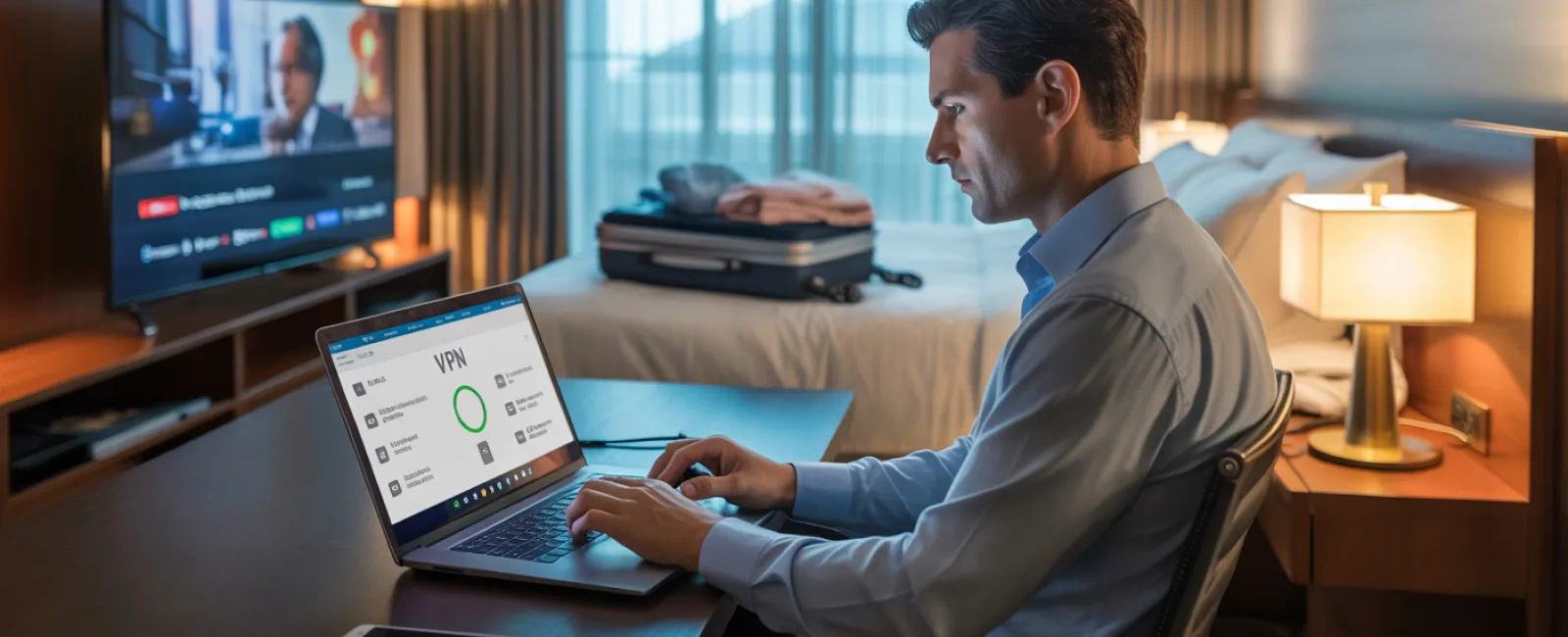
Use a VPN to securely access work emails or files over public WiFi.
For sensitive activities such as banking or handling client info, leverage your phone's mobile hotspot instead of hotel WiFi.
Separate work from leisure: Let kids stream shows on hotel WiFi, but for your work tasks, stick with your secure hotspot.
Managing Device Sharing With Kids
Your laptop holds the keys to your entire business—emails, finances, client data. Yet kids want to enjoy games, YouTube, or video calls using the same device.
Why this matters: Kids might unwittingly download malware, click suspicious ads, or save passwords, posing serious security risks—even if unintentional.
Best practice:
Say no to sharing work devices—offer alternative gadgets instead, and consistently enforce this rule.
If sharing is unavoidable:
- Set up a restricted user account
- Supervise their device use
- Prevent any downloads
- Avoid saving their passwords
- Clear browsing history after use
Even better: Bring a separate family device for travel, like an older tablet or laptop that doesn't connect to work systems.
Streaming on Hotel TVs: Remember to Log Out
When family streams shows on a hotel TV using your Netflix account and you forget to log out, the next guest gains access to your personal information.
The risks: Unauthorized access to your profile—and if passwords overlap for other services (hopefully not), they could exploit those too.
Smart steps to prevent this:
- Use your device to cast content to the TV, avoiding login on the TV itself
- Set phone reminders to log out before checkout
- Better yet, download shows onto your device before traveling to bypass hotel TVs
Avoid logging into the following on public or hotel TVs:
- Banking apps
- Work accounts
- Email services
- Social media
- Any account storing payment info
Act Quickly If a Device is Lost
Holiday travel can be hectic, and devices may get left behind in restaurants, hotel rooms, rental cars, or security checkpoints. If your device goes missing:
In the first hour:
- Use "Find My Device" to track it down
- If retrieval isn't possible, lock it remotely
- Immediately change passwords on important accounts via another device
- Notify your IT department to revoke access to company systems
- Inform affected clients if sensitive business data was stored
Essential pre-travel device features:
- Enabled remote tracking
- Strong password protection
- Automatic data encryption
- Remote wipe capability
If a family member loses their device, apply the same steps: lock it, change passwords, and track if possible.
Beware the Rental Car Bluetooth Data Risk
Connecting your phone to a rental car's Bluetooth for music or navigation can inadvertently store contacts, call logs, and message previews in the car.
Often, this data remains when the car is rented out to the next driver.
Quick 30-second steps before returning the car:
- Remove your phone from the car's Bluetooth devices
- Clear recent GPS destinations
- Or avoid Bluetooth altogether—use an aux cable or offline options
Balancing Work and Vacation Without Sacrificing Security
It's tempting to check emails constantly during family trips, but juggling work and relaxation can reduce your focus on cybersecurity risks. Rushed clicks and connecting to unsafe networks increase vulnerability.
To maintain security and sanity:
- Limit work email checks to twice daily at set times
- Use your phone's hotspot—not hotel WiFi—for work
- Work privately in your hotel room, away from public view
- Be fully present during family moments without multitasking between work and play
Best advice: Take genuine time off—your business will survive, and you'll return more alert to threats when rested.
Adopt a Smart Holiday Travel Security Mindset
Holiday travel is unpredictable. Kids may need your laptop, you might have urgent work emails, and distractions abound. Perfection isn't the goal—intentional risk management is.
- Prepare your devices thoroughly before leaving
- Recognize high-risk actions (e.g., banking over hotel WiFi) vs. safer choices (e.g., using a mobile hotspot)
- Separate work and family device use when feasible
- Have clear plans to react if something goes wrong
- Know when to say, "Not on this device," and stand firm
Secure Your Holidays and Enjoy Peace of Mind
The holidays are about creating joyful moments—not recovering from data breaches or explaining security failures to clients.
With a little preparation and simple guidelines, you can protect your business without compromising your family's vacation. Everyone wins when security meets celebration.
Need assistance setting up robust travel security protocols for your team and yourself? Click here or call us at 905-947-1636 to schedule a free 15-Minute Discovery Call. We'll help design practical policies that secure your business without hindering travel.
Because the best holiday memories shouldn't include, "Remember when Dad's laptop got hacked?"